


Warenkorb

-
 100% maßgefertigte Schwinge29,00 €
 100% maßgefertigte Gabelschützer29,00 €
 Carter 50cc 100% persönlich29,00 €
 Aufkleber FMF 4T 100% persönlich29,00 €
 HGS-Aufkleber, Sonderfarbe25,00 €
 Aufkleber HGS 100% persönlich29,00 €
 Aufkleber cadre 100% persönlich29,00 €
 KTM Kofferaufkleber-Set115,00 €
 -
-


![MX Vinyl – Chrome [in Entwicklung]](https://linkmx.fr/41271-large_default/mx-vinyl-chrome-in-entwicklung-.jpg)
![MX Vinyl – Chrome [in Entwicklung]](https://linkmx.fr/41272-large_default/mx-vinyl-chrome-in-entwicklung-.jpg)
![MX Vinyl – Chrome [in Entwicklung]](https://linkmx.fr/11302-medium_default/mx-vinyl-chrome-in-entwicklung-.webp "MX Vinyl – Chrome [in Entwicklung]")
![MX Vinyl – Chrome [in Entwicklung]](https://linkmx.fr/41271-medium_default/mx-vinyl-chrome-in-entwicklung-.jpg "MX Vinyl – Chrome [in Entwicklung]")
![MX Vinyl – Chrome [in Entwicklung]](https://linkmx.fr/41272-medium_default/mx-vinyl-chrome-in-entwicklung-.jpg "MX Vinyl – Chrome [in Entwicklung]")
| HOLOGRAFISCHES PREMIUM-VINYL |
Brillanter holografischer Effekt und ultrastarker Kleber, entwickelt für Grafik-Kits auf extremen Fahrzeugen. Schnelle und blasenfreie Installation. Weiße, nicht abfärbende Papierrückseite, ideal für den Wiederverkauf. Das beste Preis-Leistungs-Verhältnis auf dem Markt.
| HOLOGRAPHISCHER EFFEKT |
Mehrfarbiges, glänzendes holografisches Vinyl

| WETTBEWERBSVORTEIL |
Unschlagbares Preis-Leistungs-Verhältnis
| DICKE 110 Mikrometer |
Flexibles Polymervinyl
| EINHEITSGRÖSSE |
25-m-Rolle
Breite 76cm

| EXTREME MITGLIEDSCHAFT |
Hochleistungskleber, starke Haftung auf schwierigen Oberflächen

| ANTI-BLASEN-TECHNOLOGIE |
Schnelle und saubere Anwendung
| SILIKON-TRÄGERPAPIER |
Weiße Rückseite ohne Markierung

| TINTENKOMPATIBILITÄT |
Lösungsmittel, Öko-Lösungsmittel, Latex

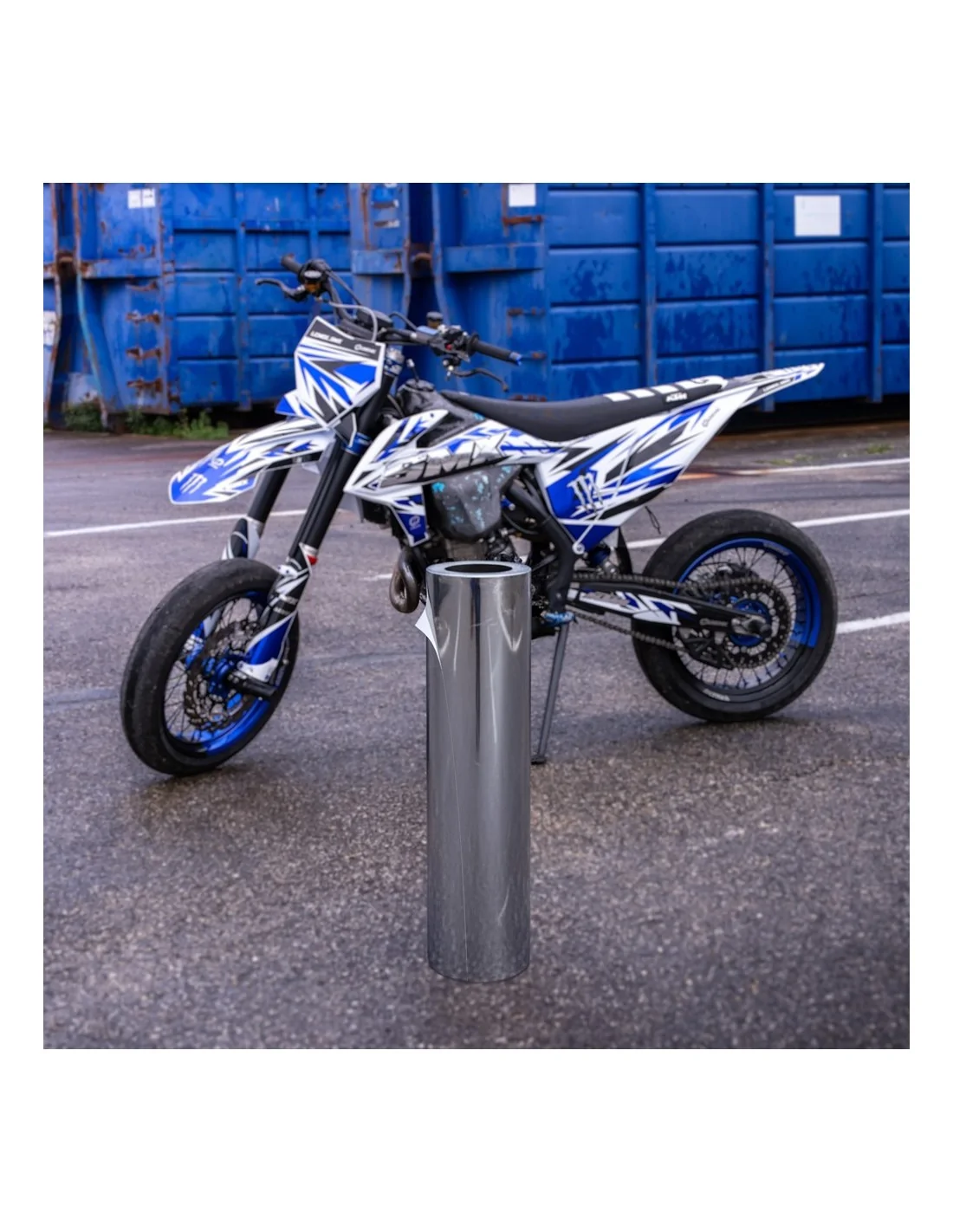
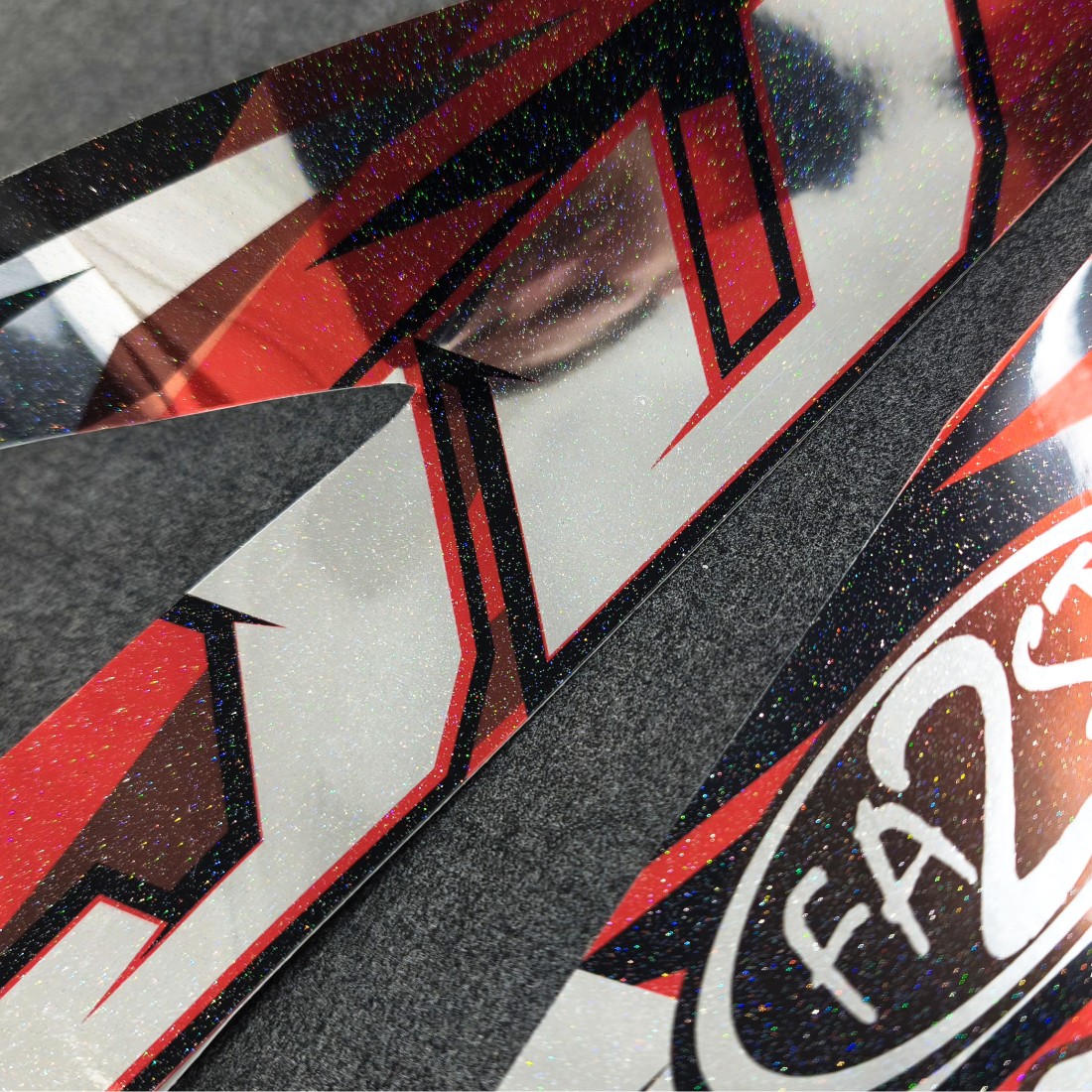
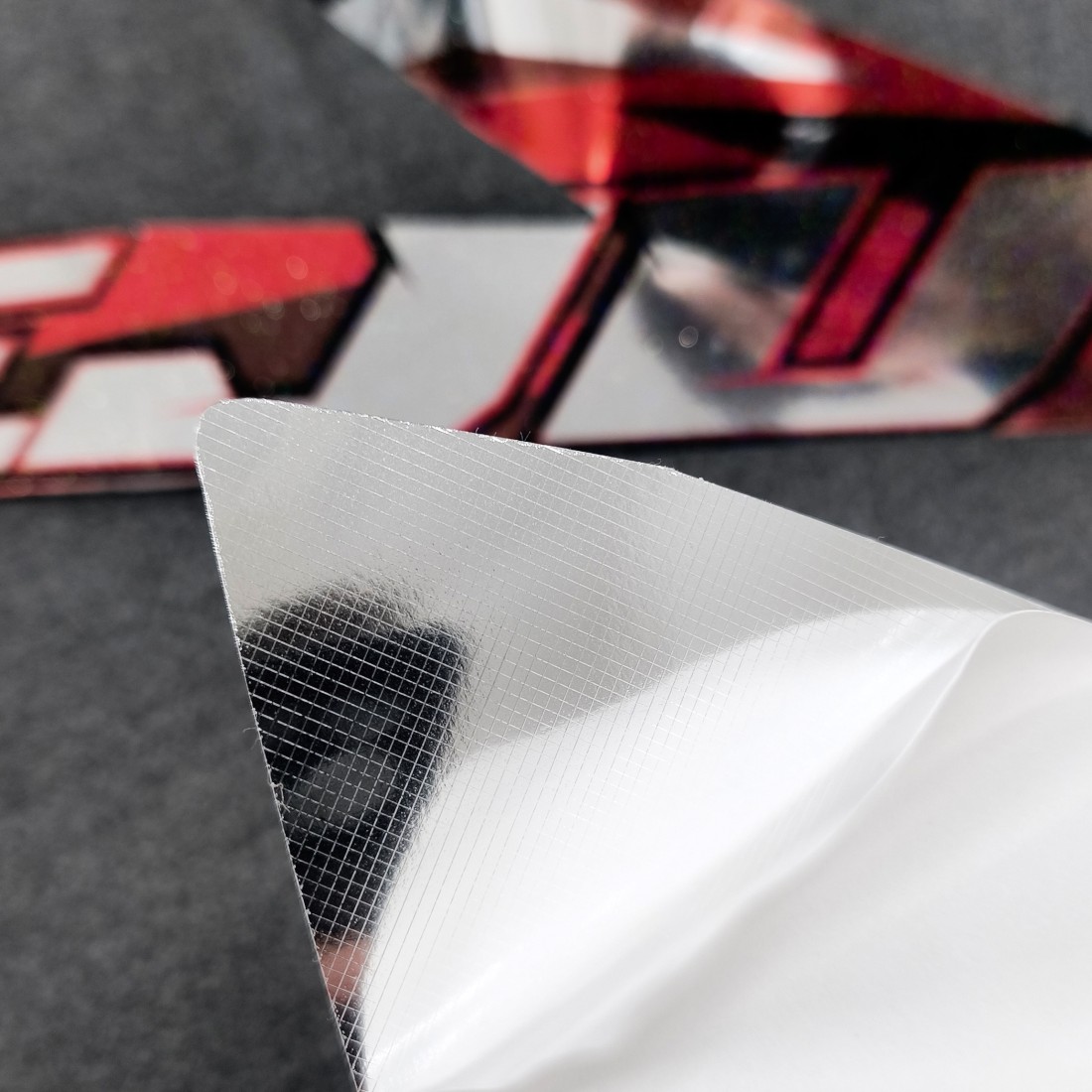
MX Vinyl – Chrome [in Entwicklung]
480,00 €
Bruttopreis
[IN ENTWICKLUNG]
Tap to zoom
![MX Vinyl – Chrome [in Entwicklung]](https://linkmx.fr/11302-large_default/mx-vinyl-chrome-in-entwicklung-.webp)