


Carrito

-
 basculante 100% personalizado29,00 €
 Carter 50cc 100% personal29,00 €
 Pegatina FMF 4T 100% personal29,00 €
 Pegatina AKRAPOVIC 100% personal25,00 €
 Pegatina HGS 100% personal29,00 €
 -
 Tarjeta de regalo LinkMX50,00 €
 -


![MX Vinyl – Cromado [en desarrollo]](https://linkmx.fr/41271-large_default/mx-vinyl-cromado-en-desarrollo-.jpg)
![MX Vinyl – Cromado [en desarrollo]](https://linkmx.fr/41272-large_default/mx-vinyl-cromado-en-desarrollo-.jpg)
![MX Vinyl – Cromado [en desarrollo]](https://linkmx.fr/11302-medium_default/mx-vinyl-cromado-en-desarrollo-.webp "MX Vinyl – Cromado [en desarrollo]")
![MX Vinyl – Cromado [en desarrollo]](https://linkmx.fr/41271-medium_default/mx-vinyl-cromado-en-desarrollo-.jpg "MX Vinyl – Cromado [en desarrollo]")
![MX Vinyl – Cromado [en desarrollo]](https://linkmx.fr/41272-medium_default/mx-vinyl-cromado-en-desarrollo-.jpg "MX Vinyl – Cromado [en desarrollo]")
| VINILO HOLOGRÁFICO PREMIUM |
Efecto holográfico brillante y pegamento ultraadhesivo, diseñado para kits gráficos en vehículos extremos. Instalación rápida y sin burbujas. Soporte de papel blanco que no deja marcas, ideal para la reventa. La mejor relación calidad-precio del mercado.
| EFECTO HOLOGRÁFICO |
Vinilo holográfico brillante multicolor

|VENTAJA COMPETITIVA |
Relación calidad-precio inmejorable

| ESPESOR 110 micras |
Vinilo polimérico flexible

|TALLA ÚNICA |
Carrete de 25 m
Ancho 76cm

| MEMBRESÍA EXTREMA |
Pegamento de alto rendimiento, fuerte adhesión en superficies difíciles.

| TECNOLOGÍA ANTI-BURBUJAS |
Aplicación rápida y limpia

| PAPEL DE RESPALDO DE SILICONA |
Reverso blanco sin marcar

| COMPATIBILIDAD DE TINTA |
Disolvente, ecodisolvente, látex

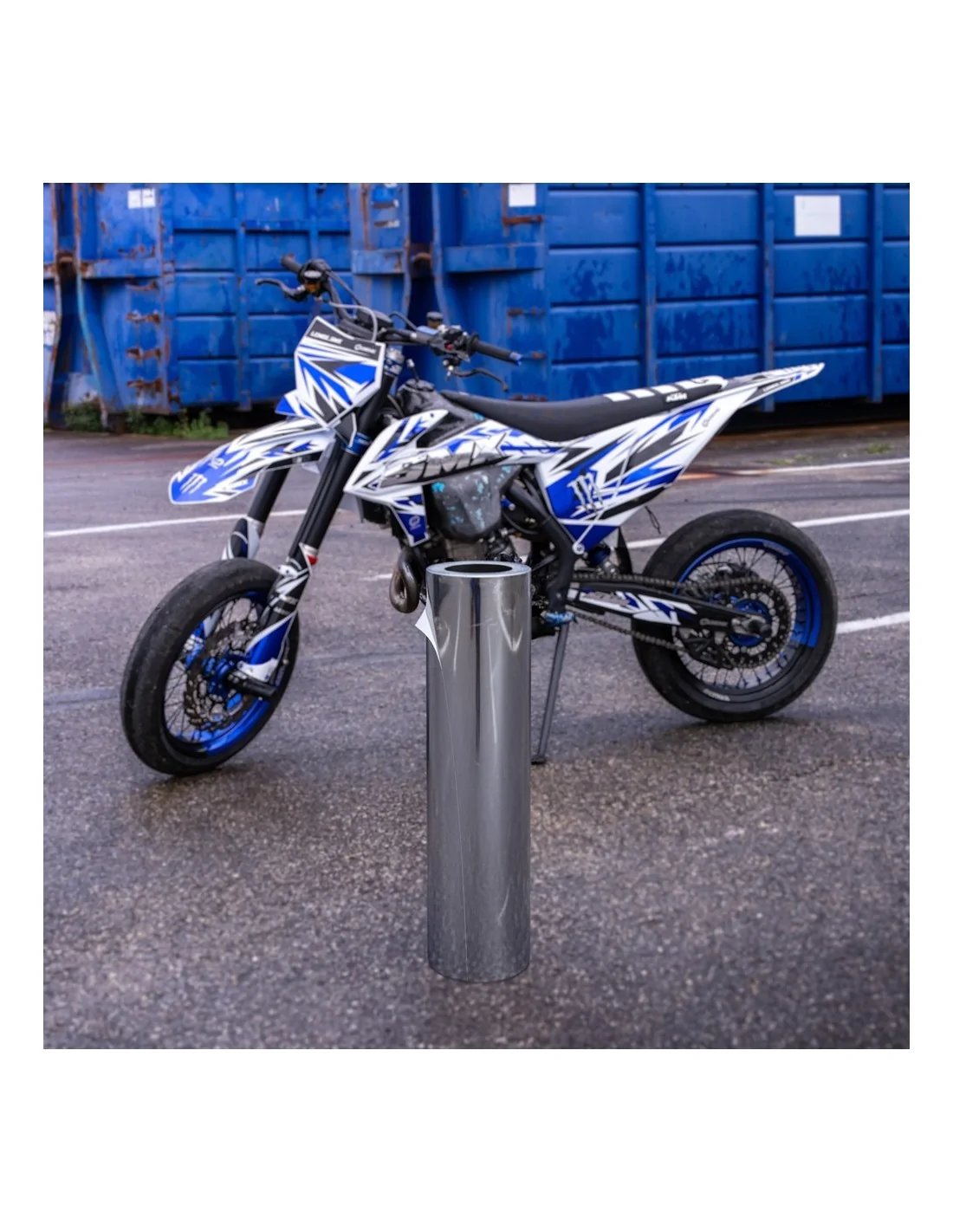
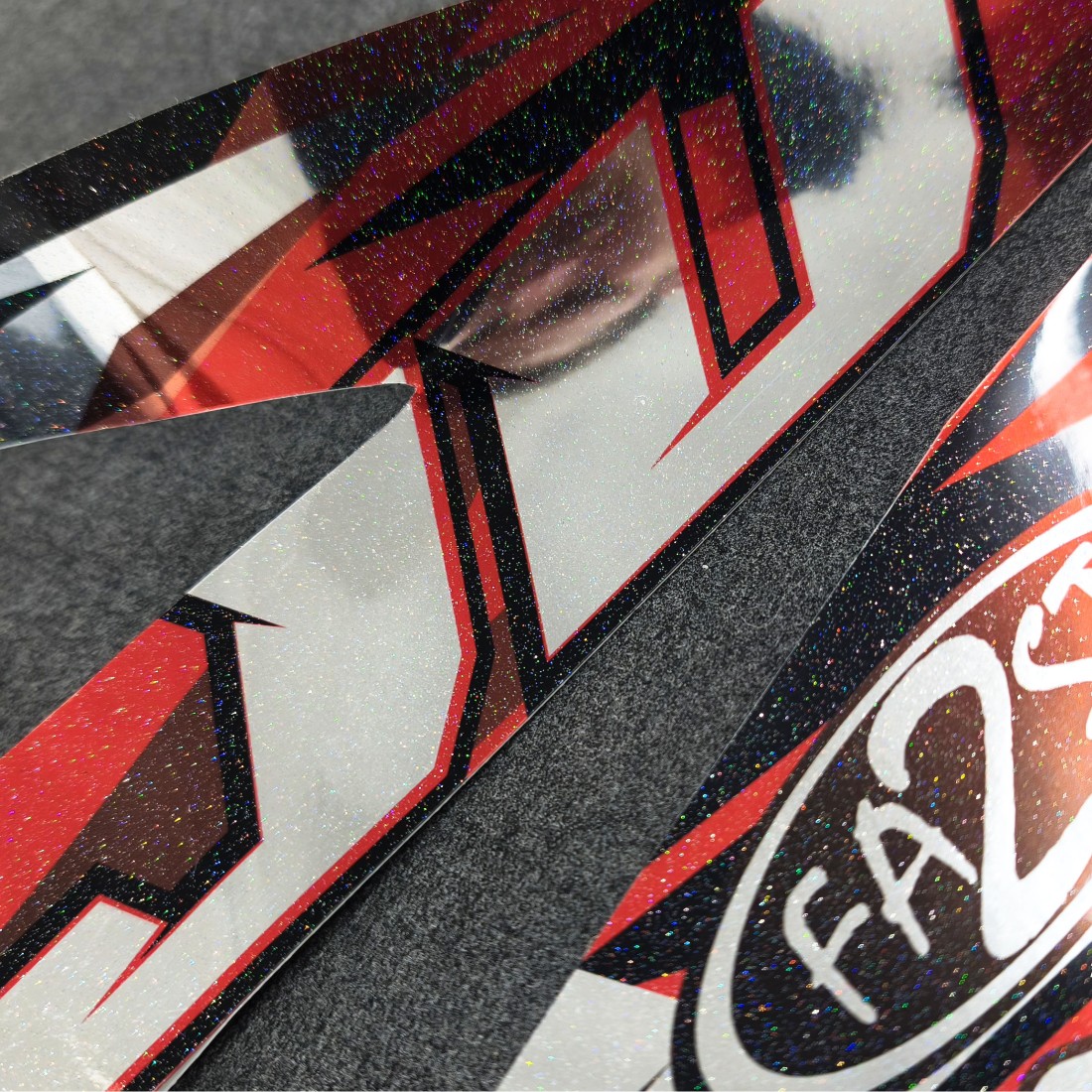
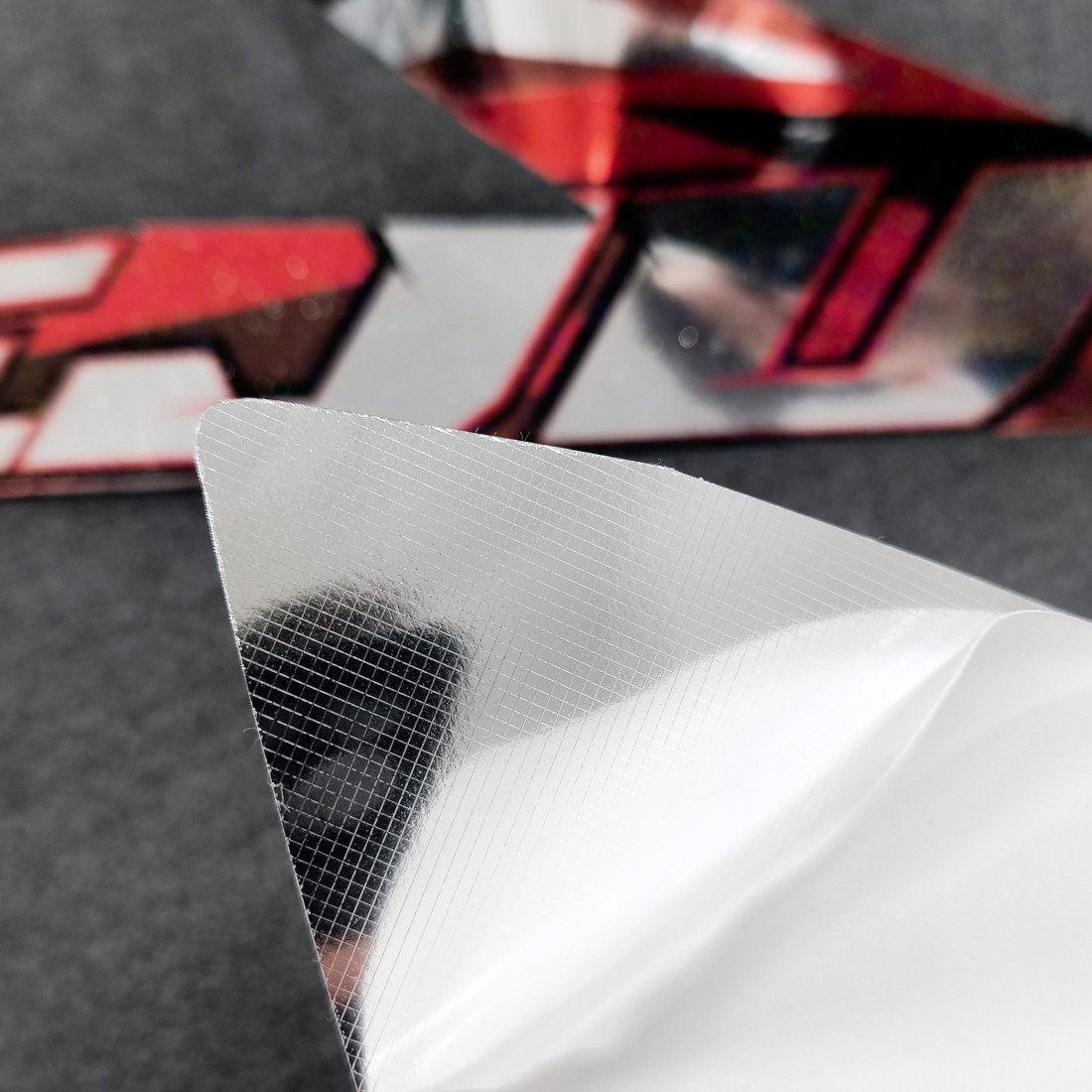
MX Vinyl – Cromado [en desarrollo]
480,00 €
Impuestos incluidos
[EN DESARROLLO]
Tap to zoom
![MX Vinyl – Cromado [en desarrollo]](https://linkmx.fr/11302-large_default/mx-vinyl-cromado-en-desarrollo-.webp)