


Carrello

-
 Carter 50cc 100% perso29,00 €
 Adesivo FMF 4T 100% perso29,00 €
 Adesivo AKRAPOVIC 100% perso25,00 €
 Adesivo HGS 100% perso29,00 €
 -
 Carta regalo LinkMX50,00 €
 -


![MX Vinyl – Chrome [in fase di sviluppo]](https://linkmx.fr/41271-large_default/mx-vinyl-chrome-in-fase-di-sviluppo-.jpg)
![MX Vinyl – Chrome [in fase di sviluppo]](https://linkmx.fr/41272-large_default/mx-vinyl-chrome-in-fase-di-sviluppo-.jpg)
![MX Vinyl – Chrome [in fase di sviluppo]](https://linkmx.fr/11302-medium_default/mx-vinyl-chrome-in-fase-di-sviluppo-.webp "MX Vinyl – Chrome [in fase di sviluppo]")
![MX Vinyl – Chrome [in fase di sviluppo]](https://linkmx.fr/41271-medium_default/mx-vinyl-chrome-in-fase-di-sviluppo-.jpg "MX Vinyl – Chrome [in fase di sviluppo]")
![MX Vinyl – Chrome [in fase di sviluppo]](https://linkmx.fr/41272-medium_default/mx-vinyl-chrome-in-fase-di-sviluppo-.jpg "MX Vinyl – Chrome [in fase di sviluppo]")
| VINILE OLOGRAFICO PREMIUM |
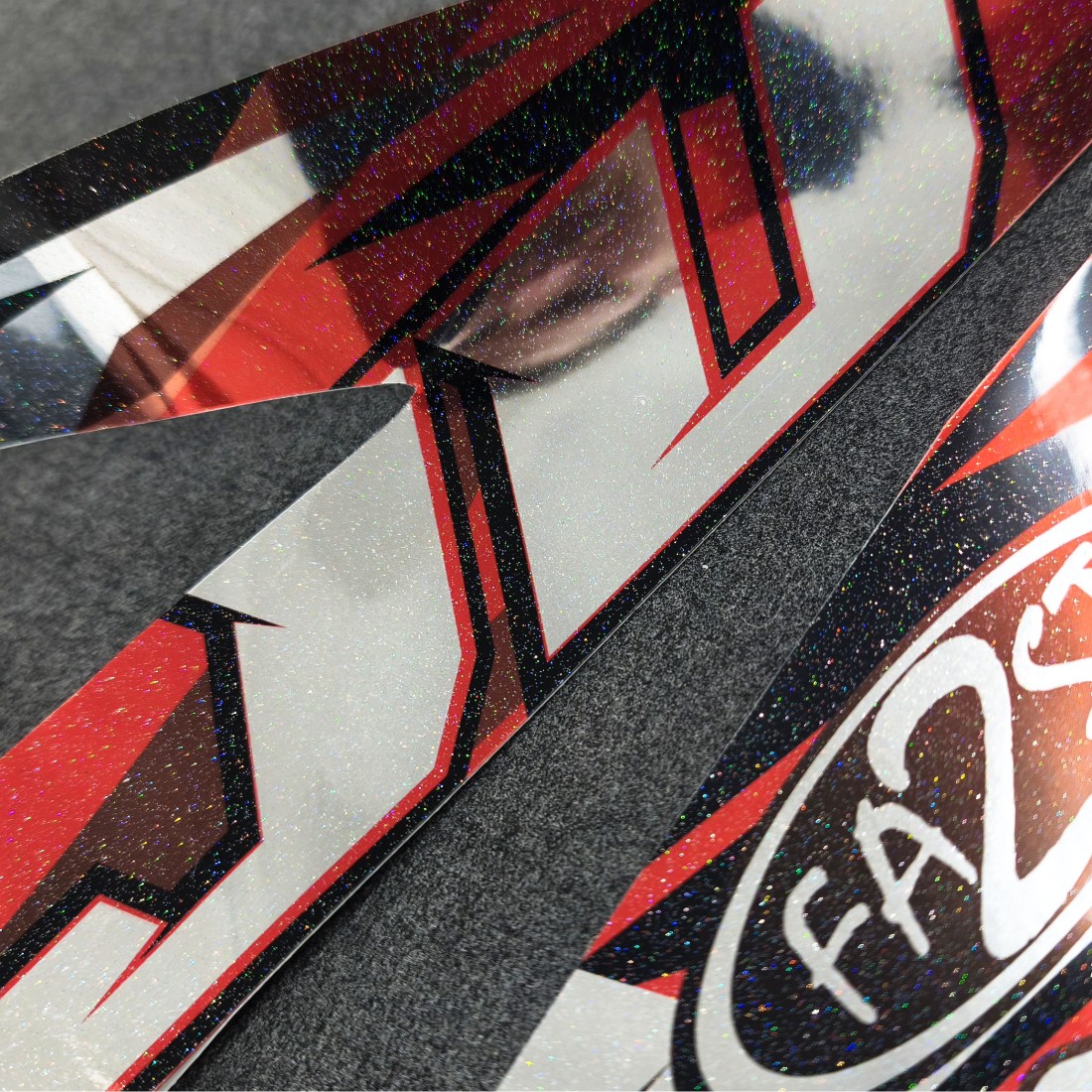
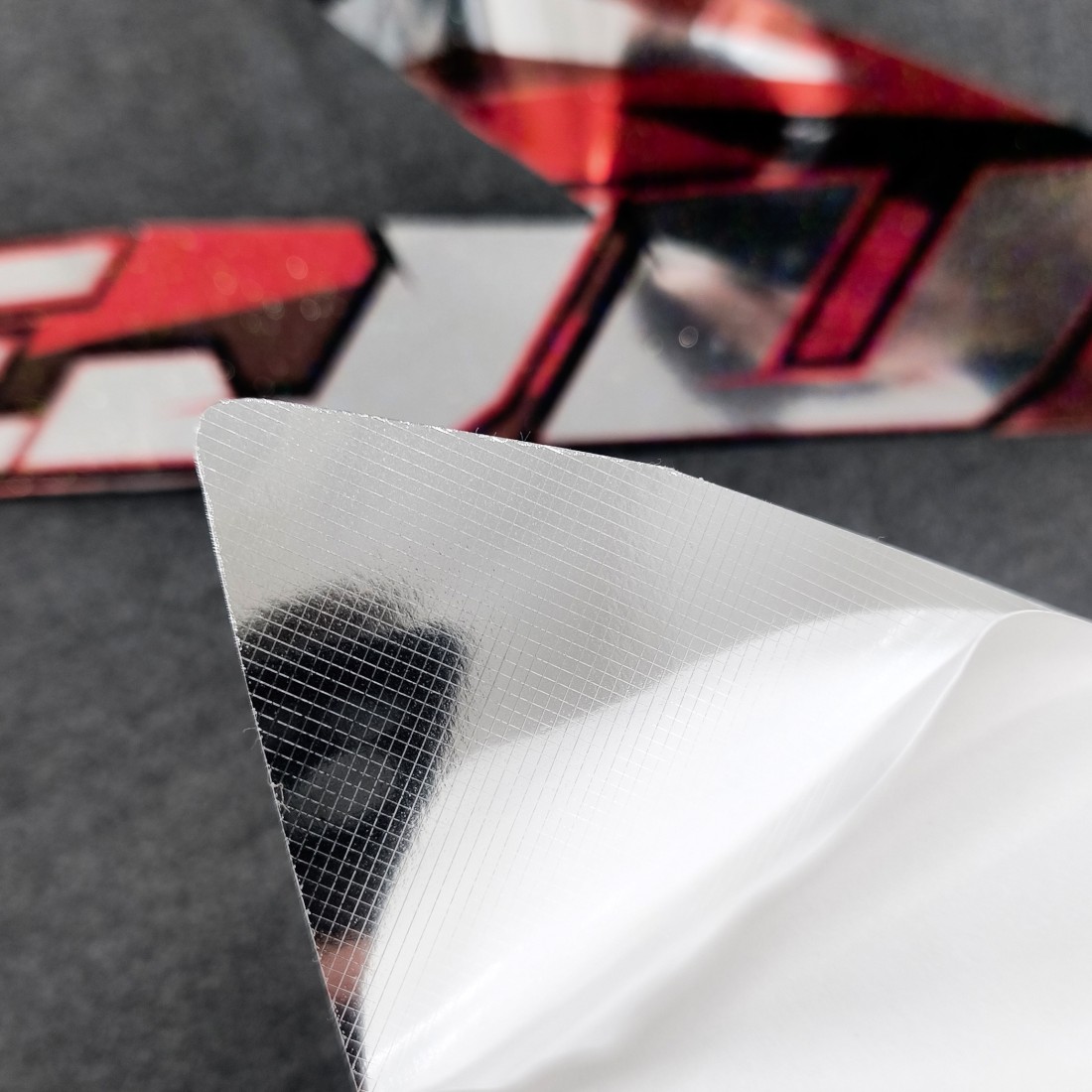
Effetto olografico brillante e colla ultra adesiva, studiata per kit grafici su veicoli estremi. Installazione rapida e senza bolle. Supporto in carta bianca antitraccia, ideale per la rivendita. Il miglior rapporto qualità-prezzo sul mercato.
| EFFETTO OLOGRAFICO |
Vinile olografico lucido multicolore

| VANTAGGIO COMPETITIVO |
Rapporto qualità-prezzo imbattibile

| SPESSORE 110 micron |
Vinile polimerico flessibile
| TAGLIA UNICA |
bobina da 25 m
Larghezza 76 cm

| ISCRIZIONE EXTREME |
colla ad alte prestazioni, forte adesione su superfici difficili

| TECNOLOGIA ANTI-BOLLA |
Applicazione rapida e pulita
| CARTA DI SUPPORTO IN SILICONE |
Retro bianco senza marcatura

| COMPATIBILITÀ DELL'INCHIOSTRO |
Solvente, Eco-solvente, Lattice

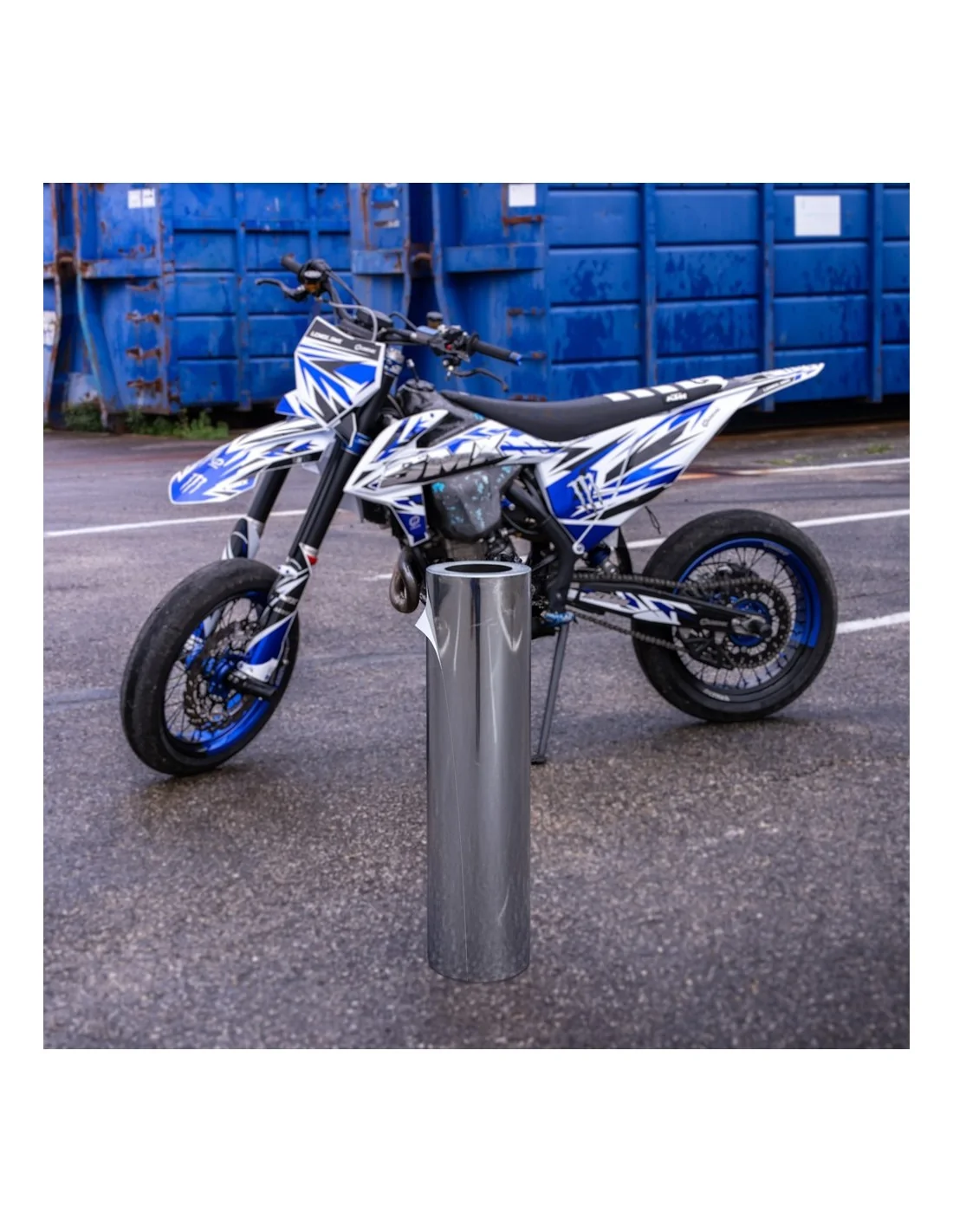
MX Vinyl – Chrome [in fase di sviluppo]
480,00 €
Tasse incluse
[IN SVILUPPO]
Tap to zoom
![MX Vinyl – Chrome [in fase di sviluppo]](https://linkmx.fr/11302-large_default/mx-vinyl-chrome-in-fase-di-sviluppo-.webp)